
Why Download the coba8 com App?
If you're an active player, you know how frustrating it is when your connection drops mid-game or your phone browser slows down with too many tabs open. That's where the coba8 com plays its part here. Designed specifically for Malaysian users, this app lets you play more smoothly, faster, and more securely compared to using a regular web browser.
Platform coba8 com provides a fully optimized mobile app designed for smartphone screens. Whether you're relaxing at home, waiting at a café, or commuting back from work — the gaming experience remains consistent and enjoyable. With this app, you no longer need to struggle typing a long URL every time you want to play. One tap, and you're in.
In addition, the app coba8 com comes equipped with a real-time notification system. So whenever there's a new promotion, deposit bonus, or live game result — you'll know before other users who rely solely on the website. This is a major advantage, especially for players who love grabbing limited-time promotional offers.

Slots and games display in the coba8 com app
How to Download & Install the Android APK
For Android users, the app installation process coba8 com is very straightforward. It takes less than two minutes. Follow these steps carefully:
Open Settings & Allow Unknown Sources
Go to Settings > Security on your Android phone, then enable the option "Install apps from unknown sources". This step only needs to be done once.
Visit the Official coba8 com Site
Open your phone's browser and type in the website address coba8 com. Look for the "Download Android APK" button clearly displayed on the homepage or download page.
Download APK File
Tap the download button and wait for the APK file to finish downloading to your device. The file size is typically small, under 30MB, so the process takes only a few seconds on a WiFi or 4G connection.
Open APK File & Install
Go to folder Download or the notification shade, tap the newly downloaded APK file, then tap "Install" when prompted. Follow the on-screen instructions until the process is complete.
Login or Register a New Account
Open the installed app, log in with your existing account or register a new one in under 60 seconds. That's it — you're ready to play.
How to Install the coba8 com App on iPhone (iOS)
IPhone users are not left out either. The app coba8 com for iOS can be accessed via Safari just as easily:
Open Safari & Visit the coba8 com Site
Make sure you use Safari (not Chrome or Firefox), as the "Add to Home Screen" option is only available in Safari on iOS.
Tap the Share Icon
Tap the box icon with an upward arrow at the bottom of the Safari screen to open the options menu.
Select "Add to Home Screen"
Scroll down in the menu and select "Add to Home Screen". Name the shortcut "coba8 com" and tap "Add".
App Icon Appears on Home Screen
Icon coba8 com will appear on your iPhone's home screen just like a regular app. Tap it to open and log in directly to your account.
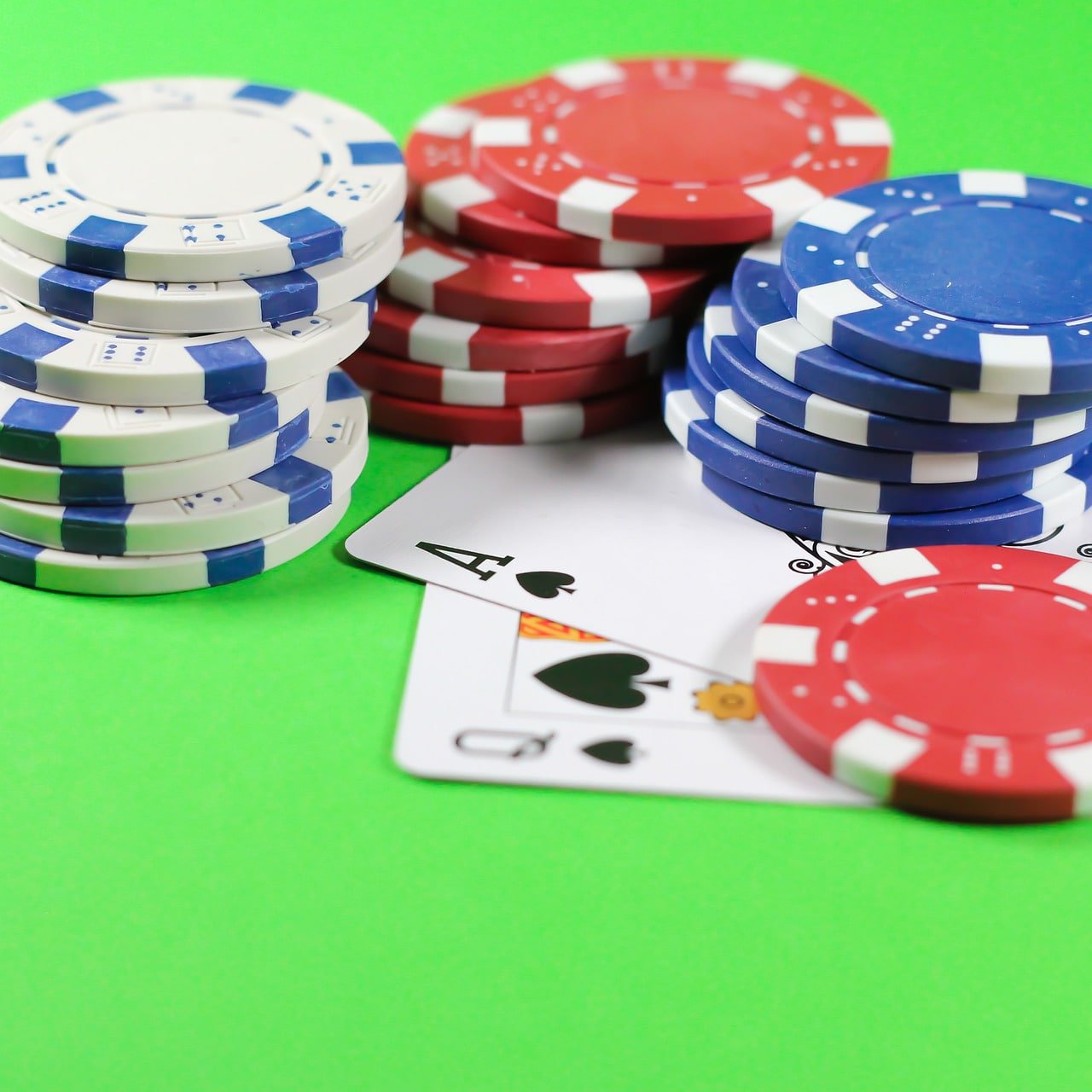
Slot game interface in the coba8 com mobile app
Key Features of the coba8 com App
App coba8 com is not just a stripped-down version of the website. It has been rebuilt from the ground up specifically for a superior mobile experience. Here are the features that make it the top choice for Malaysian players:
Fast Loading
The app is optimised for Malaysia's 4G networks and WiFi. Slot games and live casino load in under 3 seconds.
Real-Time Notifications
Get instant notifications for the latest promotions, daily top-up bonuses, and your withdrawal status — no more manual checking.
256-Bit SSL Encryption
All transactions and login data are protected with advanced encryption technology. Play with confidence and total peace of mind.
Fast Deposits & Withdrawals
Supports a variety of local payment methods including FPX, Touch 'n Go eWallet, Boost, and bank transfers. Withdrawals are processed within 5–10 minutes.
Thousands of Game Options
Full access to all slots, live casino, sports, and games in one app. No category restrictions compared to the web version.
Data Saver Mode
Enable data saver mode to play with lower internet usage — ideal for users on limited data plans.
Comparison: App vs Web Browser
Many players ask — what's the difference between using the app versus opening the website directly? The table below gives a clear overview:
| Aspect | Coba8 com App | Web Browser |
|---|---|---|
| Load Speed | Very Fast | Moderate |
| Promotional Notifications | Yes, Real-Time | No |
| Data Usage | Lower | Higher |
| Login Security | Biometrics + PIN | Password Only |
| Accessibility | One Tap | Type URL / Bookmark |
| Game Support | Full (All Categories) | Full |
| Auto Update | Yes | Yes (Auto) |
A Better Gaming Experience With the coba8 com App
For serious players, the quality of the gaming experience matters. When playing through a regular browser, you may occasionally encounter issues such as pages needing a refresh, login sessions expiring unexpectedly, or game animations stuttering. All these problems have been resolved in the app coba8 com built specifically for smartphones.
The technology built into this app allows games to run smoothly even on weaker network connections. A smart cache management system ensures frequently used game assets are stored locally, so load times get faster with each gaming session.
One thing many players love about the app coba8 com is the biometric login feature. Using just your fingerprint or face recognition, you can access your account in under a second. This not only saves time but is also far more secure than typing your password every time.
In terms of interface, the app's design prioritises ease of use. Navigation is straightforward, buttons are large and clear, and game icons are neatly organised by category. Even if it's your first time using the platform, you won't feel lost. All key information such as account balance, transaction history, and bonus status can be viewed on a single screen.

Simple download and installation process for the coba8 com app
Important Tips Before Downloading
To ensure a smooth download and installation process, please take note of the following:
- Make sure your device has at least 100MB before downloading.
- Use a WiFi connection when downloading to avoid unnecessary data usage.
- Always download only from the official website coba8 com to avoid fake APK files.
- After installation, apply updates whenever a new version is available to get the latest features and security patches.
- If you encounter issues during Android installation, make sure "Unknown Sources" is enabled in your security settings.
- For iOS, make sure your operating system is iOS 13 or above for best compatibility.
- Remember to enable app notifications after installation so you don't miss any exciting promotions.
Minimum System Requirements
Android
- Android 6.0 (Marshmallow) and above
- At least 2GB RAM
- 100MB storage space
- Internet connection (4G / WiFi)
- Minimum screen resolution of 720p
IPhone / iOS
- IOS 13.0 and above
- IPhone 7 and above supported
- 80MB storage space
- Internet connection (4G / WiFi)
- Latest version of Safari for PWA
Frequently Asked Questions (FAQ) – coba8 com Download
Quick Navigation
Ready to Play?
Create a new account and claim your exclusive welcome bonus today.
Register Now Login24/7 Support
Our support team is available to assist you anytime, every day.
- Live Chat – In-App
- [email protected]
- Response within 5 minutes